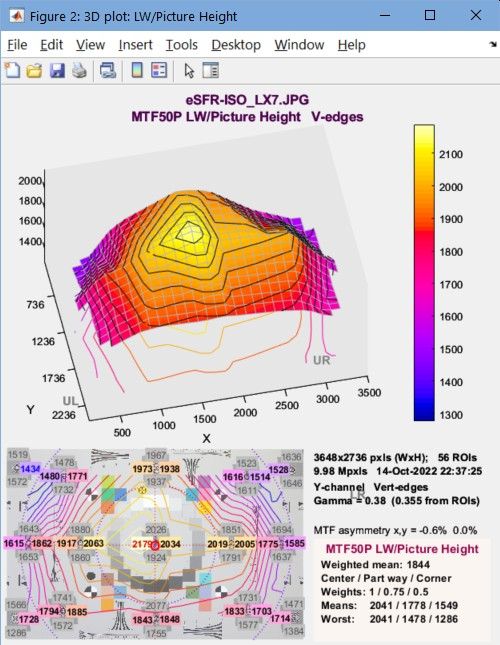
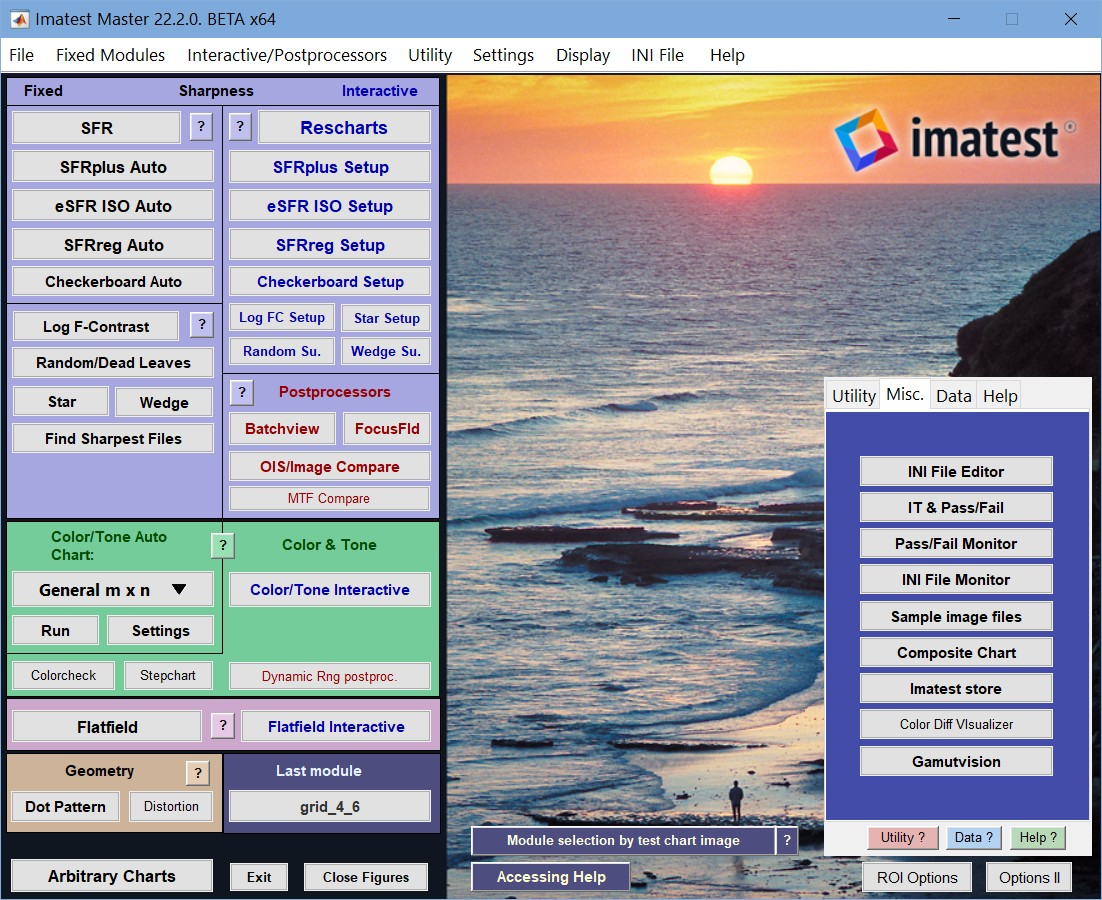
Imatest has two types of analysis modules:
Fixed modules require all settings to be entered prior to running the analysis. Stored settings are read from imatest-v2.ini and can be changed by user input. Batches of images can be run. Results are displayed as figures and can be saved as image (usually PNG), CSV, XML, and JSON files. In most cases we recommend running an interactive analysis prior to running fixed analyses.
Interactive modules are run from Graphic User Interfaces (GUIs) that allow results to be queried and modified after the analysis has been run. This allows you to explore results in great depth. Results can be saved as image (usually PNG), CSV, XML, and JSON files.
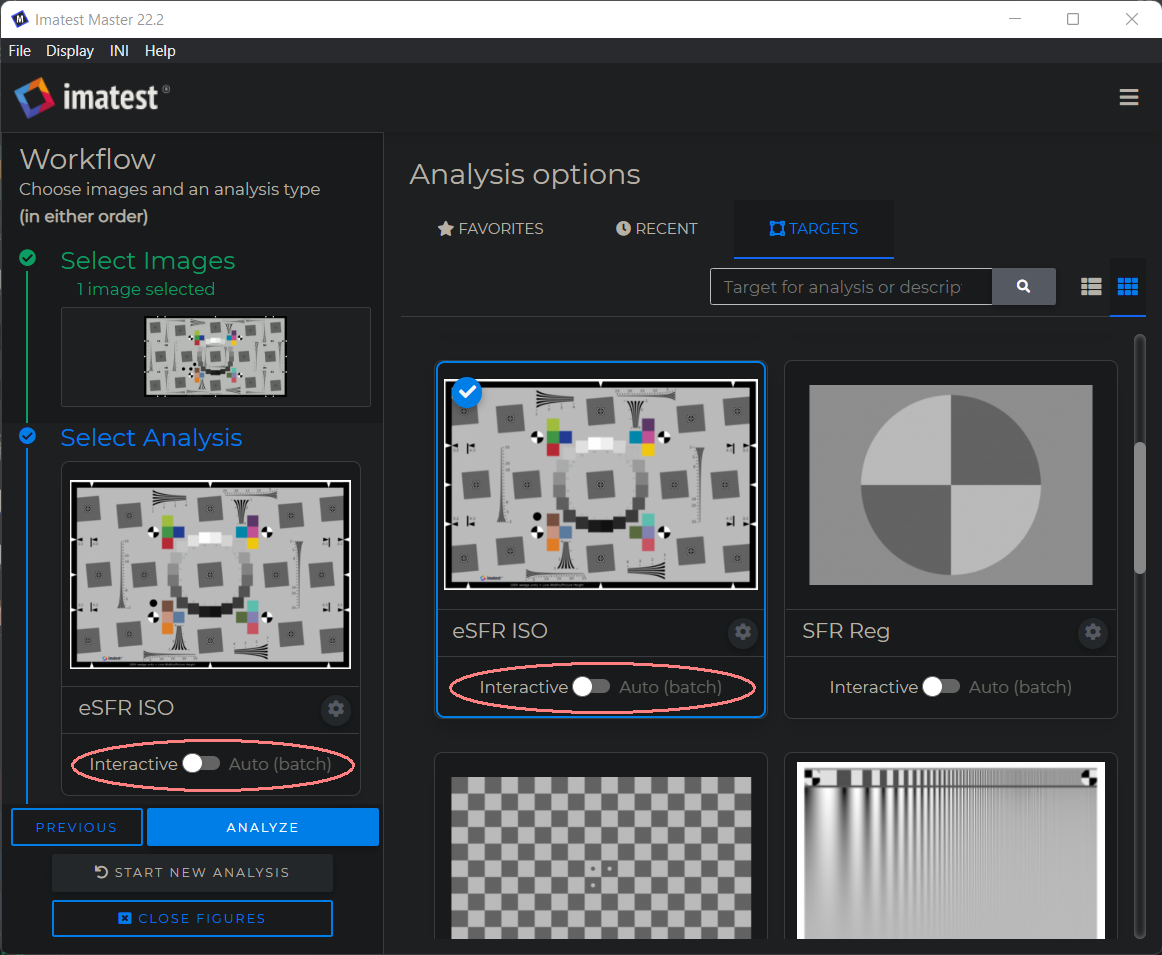
Fixed vs. Interactive module summary | |
Fixed | Interactive |
Usually run after settings have been made and tested in interactive mode. | It’s generally best to run in Interactive mode first — to explore results in depth and make sure calculations are properly set up. |
Graphic results in Figures allow limited manipulation (zooming or rotation for 3D images). | Graphic results displayed in GUI windows allow a high degree of manipulation: You can change calculation and display settings and you can select any available display. You can analyzed results in great depth. |
Batches of files can be run. | Only a single file can be analyzed (one exception: several files can be combined (signal-averaged) to improve signal-to-noise ratio (SNR)). |
Most are available as Industrial Testing (IT) modules (EXE or DLL programs that can run in production/quality control environments). | Not directly available in IT. |
Images must be read from files. They cannot be directly acquired. | Images can be read from files or acquired directly from devices (development boards from Aptina, Omnivision and others as well as devices supported by the Matlab Image Acquisition toolbox). Directly-acquired images can be continuously refreshed in realtime. |
Most (but not all) Imatest modules have corresponding Fixed and Interactive versions. They are listed below: | |
Module | Notes |
All settings should be selected using Interactive mode. Some settings must be selected using Interactive mode. When run in Auto mode, these four modules are highly automated (with automated region detection based on criteria set in Interactive mode), requiring no user input. | |
Fixed SFR can analyze several regions (ROIs). Interactive SFR can only analyze a single region. | |
Focus Score Plus | Obtain a relative sharpness measurement from regions of arbitrary images. Most useful with direct image acquisition, typically with realtime focusing. |
Can analyze a large variety of color charts, including the Colorchecker 24-patch and SG, the DSC Labs ChromaduMonde, the IT8.7, and many others (all charts supported by Multicharts). Much more versatile than the older (fixed-only) Colorcheck module, which worked with the 24-patch Colorchecker only. | |
Can analyze a large variety of grayscale charts, including the Q-13/Q-14, ISO-14524, ISO-15739, Imatest 36-patch Dynamic Range chart, and many more. Much more versatile than the older (fixed-only) Stepchart module. | |
Settings made in either module are used by the other. Blemish Detect capability is included. | |
Example
Here are results from eSFR ISO run in the Rescharts interface (eSFR ISO Setup). While the Rescharts interface is active, you can select any of twenty different displays from the Display dropdown menu on the right/ Display settings can be selected by the nearby buttons (dropdown menus, checkboxes, sliders, etc.). Most of these settings are used to control the display in the fixed run (eSFR Auto) shown below. See full instructions in Using eSFR ISO.
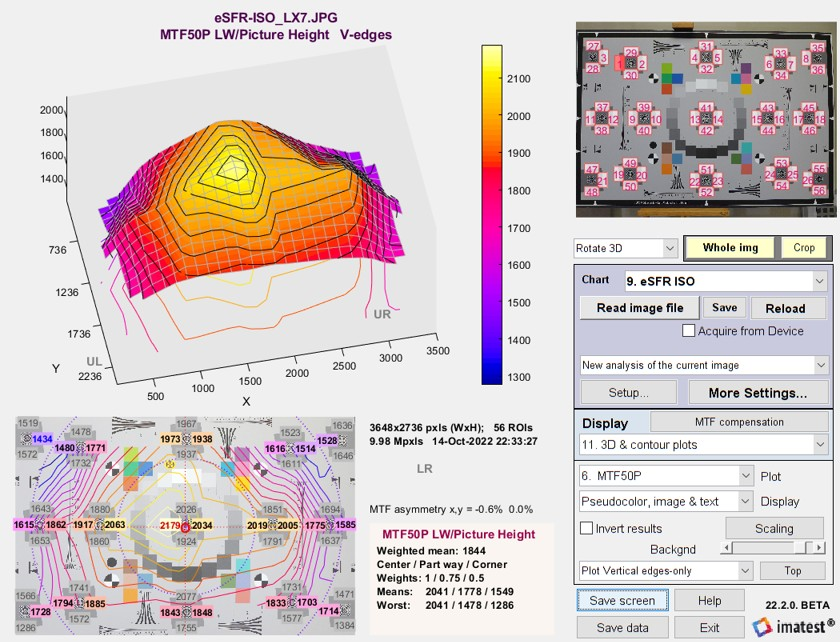
Here are similar results from a fixed eSFR ISO run. Very little can be done to manipulate this plot, but by pressing Tools, Rotate 3D, you can rotate the view. The advantage of the fixed modules is that you can run images (including large batches of images) quickly, without fussing with the settings (which you’ve already done in the interactive run).