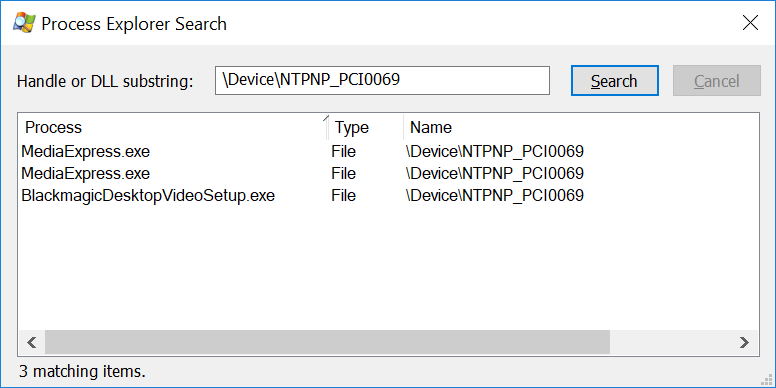
Windows
On Windows, determining which processes are using a given device is easiest using the Process Explorer.
Open the Windows
Device Managerby searching for ‘Device Manager’ in the Windows taskbar.In the
Device Manager, locate your device, right click on it and selectProperties.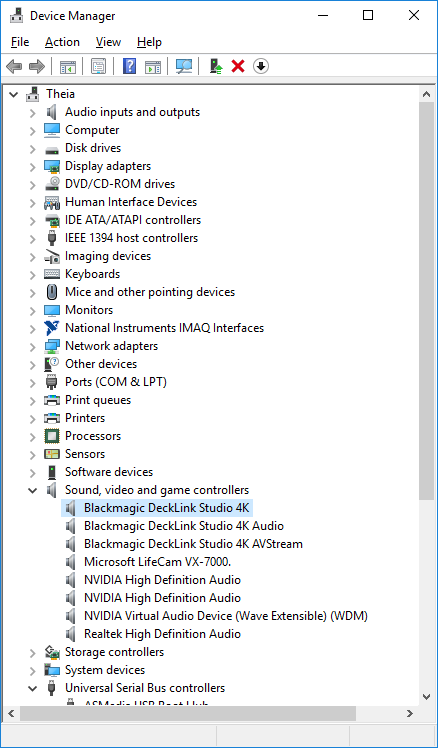
In the
Propertieswindow, select theDetailstab.From the
Propertydrop-down menu, selectPhysical Device Object name.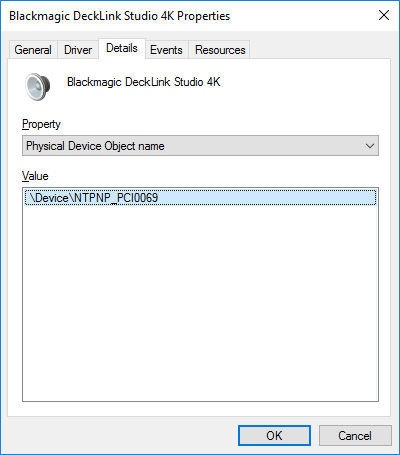
Right click on the the entry in the
Valuelist and selectCopy.Open
Process Explorer.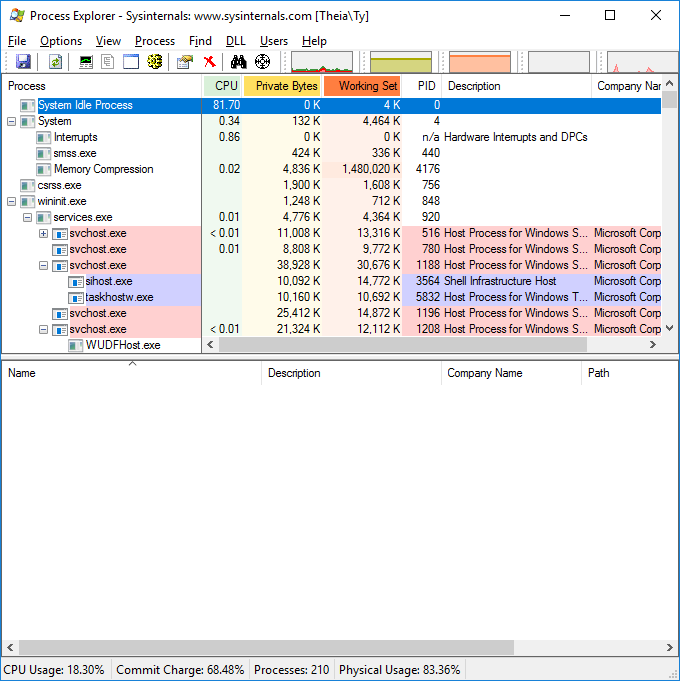
In
Process Explorer, select theFind:Find Handle or DLL…menu item.Paste your
Physical Device Object nameinto theHandle or DLL substringfield and clickSearch.